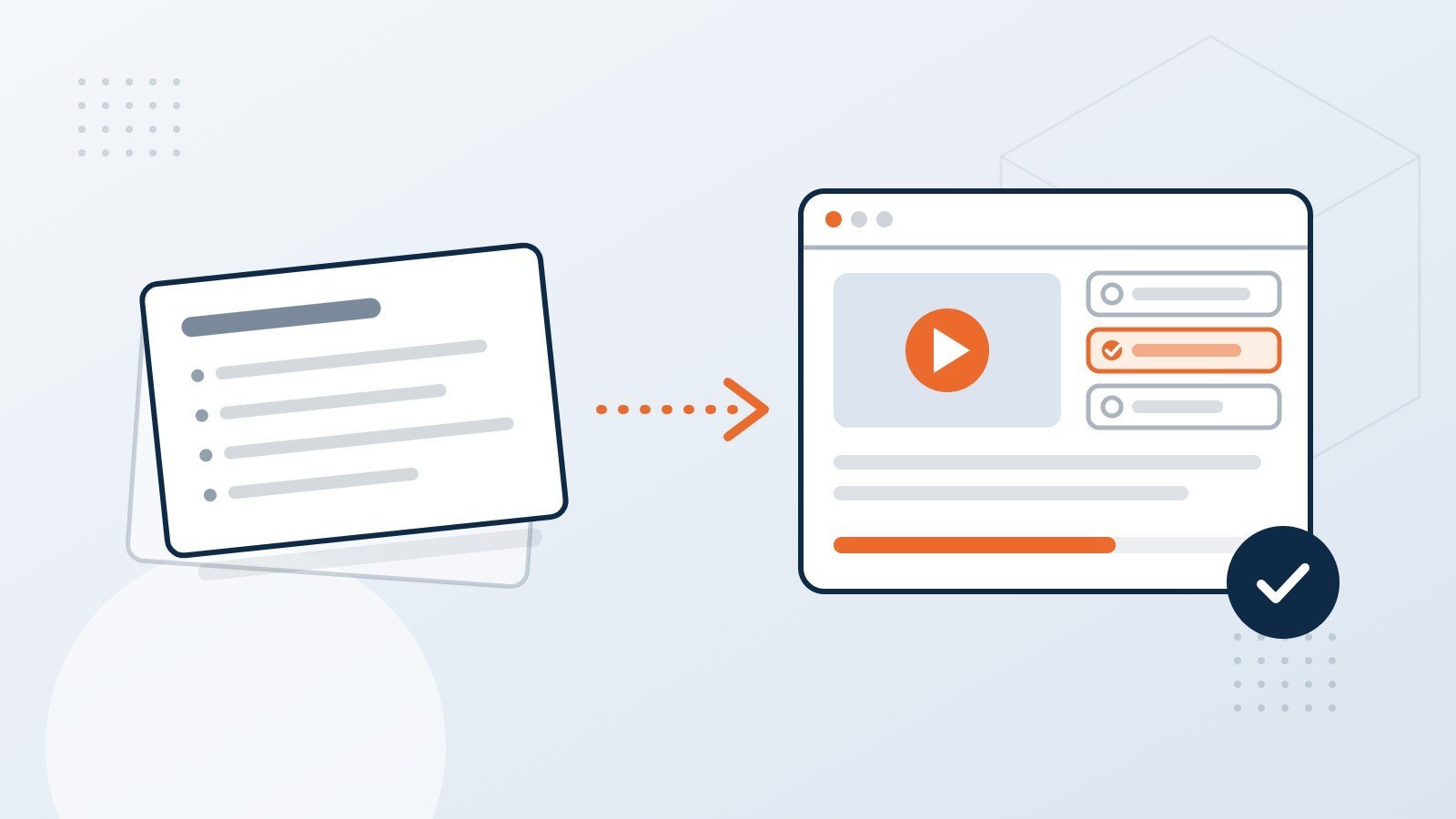
Converting PowerPoint to eLearning means rebuilding slide content as a guided, interactive course with clear objectives, practice, and assessment – not just publishing the slides online. Done well, it reuses the knowledge you already have and delivers a SCORM-ready course your LMS can track.
Why not just upload the slides?
A presentation is built to support a speaker. The trainer adds the stories, answers questions, and checks understanding in the room. Without that person, a slide deck becomes a wall of bullet points, and learners click through it as fast as they can.
eLearning has to do the trainer's job on its own. That means explaining, showing, asking, and giving feedback on the screen. The content can stay the same. The way it is taught has to change.
What can you reuse from existing slides and PDFs?
More than you might expect. Most decks already contain the hard part: accurate, approved subject matter. In a typical conversion, we keep:
- The core facts, procedures, and policies
- Diagrams, process flows, and product images (redrawn where quality is low)
- Real examples and scenarios the trainer used in class
- Existing quiz questions, as a starting point for assessment
What usually needs rework is structure. Slides tend to follow the order a speaker likes to talk. A course should follow the order a learner needs to learn.
What does a good conversion process look like?
We follow the same path for a conversion as for any custom course, just faster, because the content already exists:
- Review the source. We read every slide and note gaps, duplicates, and outdated content.
- Set learning objectives. What should people be able to do after the course? Everything else is trimmed or moved to a resource.
- Outline and storyboard. The content is reorganized into short sections, with on-screen text, visuals, interactions, and narration written out for your approval.
- Build a prototype. You see the look and feel on a few screens before the full build starts.
- Develop, review, and test. Alpha, beta, and final versions, with your feedback at each stage and QA across browsers and your LMS.
The storyboard approval is the step that saves the most time later. Changing a sentence in a document is quick. Changing it after animation and voice-over is not.
Which interactions actually help learners?
Interactivity is useful when it makes people think, not when it just makes them click. These tend to earn their place:
| Slide content | Better in eLearning as |
|---|---|
| A list of steps | A drag-and-drop sequence, or a guided walkthrough |
| Dos and don'ts | A short scenario where the learner chooses what to do |
| A dense diagram | A labeled graphic the learner explores one part at a time |
| Policy text | A summary on screen, with the full policy as a downloadable resource |
| "Any questions?" | Knowledge checks with feedback that explains the right answer |
Which tool should you use: Rise or Storyline?
Both come from Articulate, and both publish to SCORM 1.2 and SCORM 2004, so they work with almost any LMS.
- Articulate Rise builds clean, scrolling, mobile-friendly courses quickly. It suits knowledge-based content such as policies, onboarding, and product information.
- Articulate Storyline gives full control over every screen. It suits software simulations, branching scenarios, and highly branded courses.
Many programs use both: Rise for the core course and Storyline blocks for the one or two interactions that need more depth. For special requirements, custom HTML5 is also an option.
A quick checklist before you start
- Is the source content current and approved by a subject matter expert?
- Do you know who the learners are and what they must be able to do afterward?
- Will the course need voice-over, or will on-screen text be enough?
- Which LMS will host it, and does it expect SCORM 1.2 or SCORM 2004?
- Does it need to meet WCAG accessibility guidelines?
- Will it be translated later? Planning for this now makes localization much easier.
Frequently asked questions
How long does a PowerPoint to eLearning conversion take?
It depends on the amount of content, the level of interactivity, and whether voice-over is needed. Because the subject matter already exists, a conversion is usually much faster than building a course from scratch. We give a timeline after reviewing your material.
Will the course work in our LMS?
Yes. We publish to SCORM 1.2 or SCORM 2004 and test in your LMS before sign-off. If you do not have an LMS, we can host the course for you.
Can you work from PDFs and Word documents too?
Yes. Any approved source material works, including manuals, SOPs, recorded webinars, and trainer notes.
Do we need to write the course content ourselves?
No. Our instructional designers write the course from your source material. Your experts review the storyboard to confirm accuracy.
Read more about our PowerPoint to eLearning conversion service, or see how we approach translating a course for other languages.
Ready to talk about your course?
Tell us what you have and who needs to learn it, and we will suggest the simplest route to a course that works. Book a 20-minute scoping call.