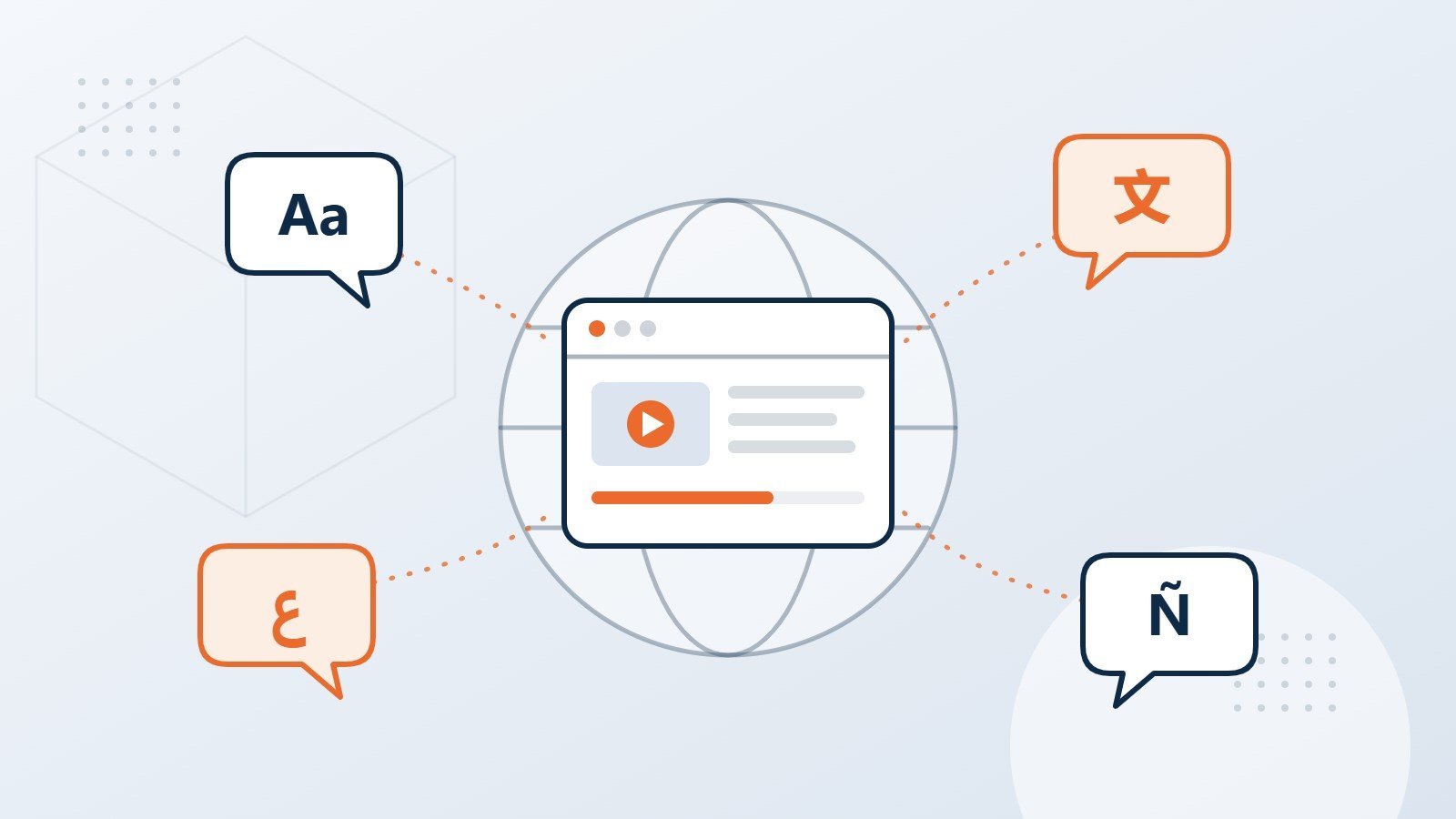
eLearning localization adapts a whole course for learners in another language and culture: on-screen text, narration, images, examples, assessments, and the final published build. A translated script is only one part of it. The course also has to look right, sound right, and work in the LMS in every language.
Why localize training at all?
People learn best in the language they think in. When a course is only in English, many learners spend their effort decoding the words instead of understanding the content, and comprehension checks start measuring language skills rather than knowledge.
Research on consumers points the same way. A 2020 CSA Research survey of 8,709 people in 29 countries found that 76% prefer to buy products with information in their own language, and 40% will never buy from websites in other languages. If language shapes whether people buy, it certainly shapes whether they understand a safety procedure or a compliance policy.
What exactly gets localized in a course?
| Element | What happens |
|---|---|
| On-screen text | Translated, then fitted back into the layout, including buttons, menus, and feedback messages |
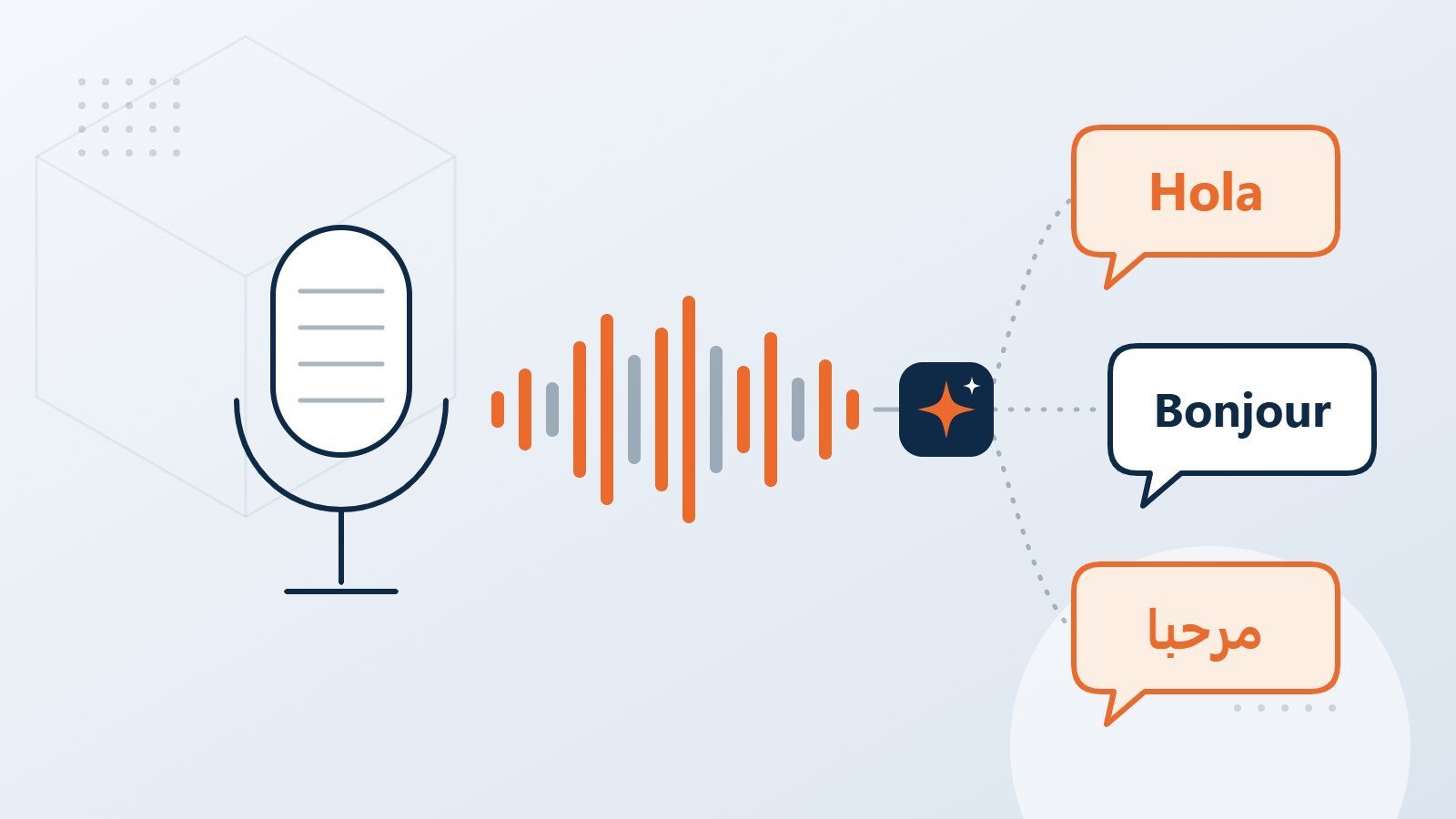
| Voice-over | Recorded by native voice artists (or AI voice reviewed by a person) and synced to animations |
| Images and graphics | Text inside images is recreated; people, clothing, and settings are checked for cultural fit |
| Examples and scenarios | Names, currencies, dates, and situations adapted so they make sense locally |
| Assessments | Questions and answer options translated so they test the same thing in every language |
| Captions and transcripts | Created for every language, which also supports accessibility |
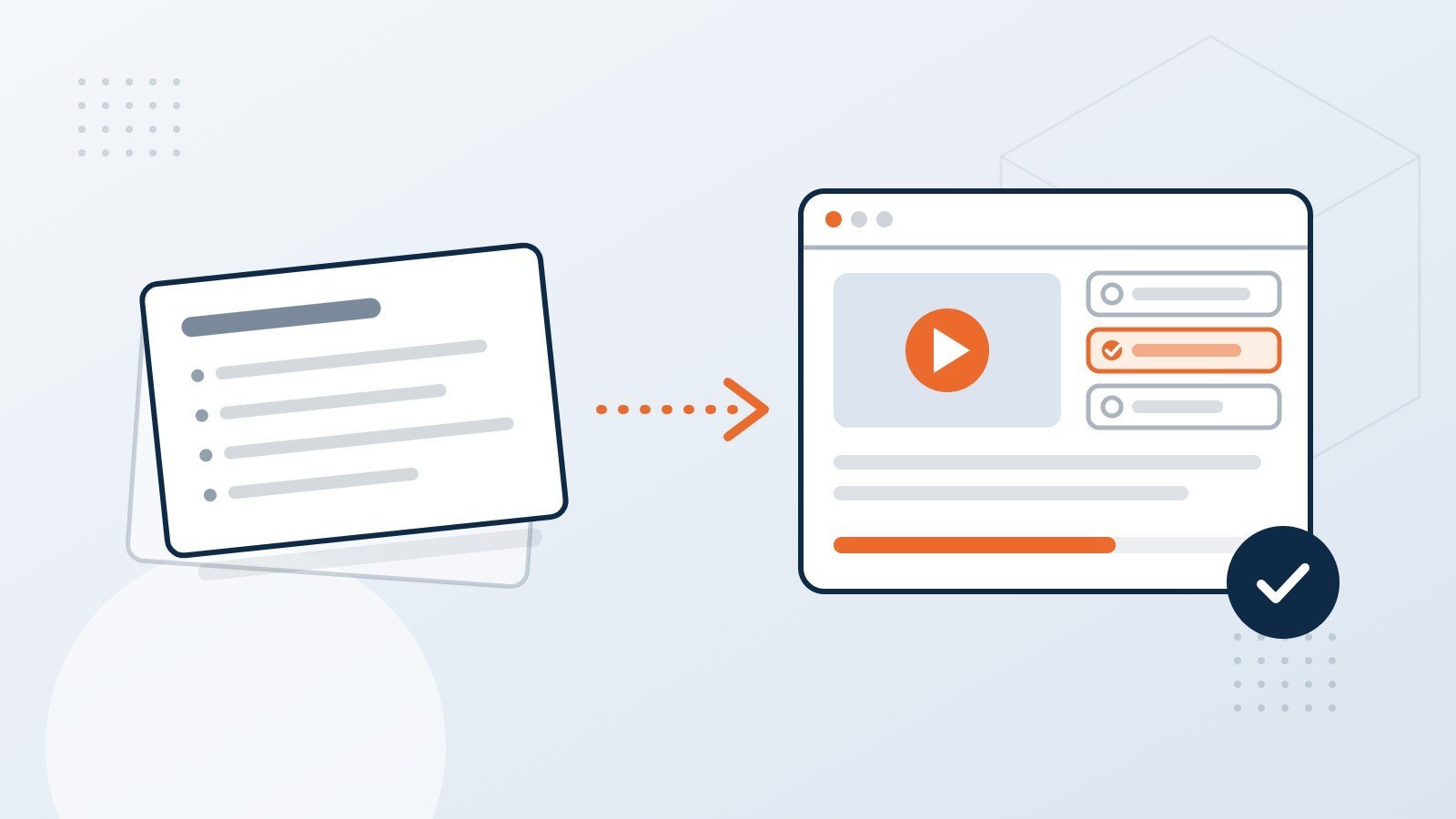
| The published course | Rebuilt and tested in each language, including right-to-left layouts such as Arabic |
Where do localization projects usually go wrong?
- Text expansion. German, French, and Spanish often run longer than English. If buttons and text boxes have no room to grow, text gets cut off or shrinks until it is hard to read.
- Text baked into images. Words embedded in graphics cannot be translated without rebuilding the image.
- Right-to-left languages. Arabic and Hebrew need mirrored layouts, not just translated words.
- Audio timing. A translated narration rarely matches the English length, so animations and slide timings need adjusting.
- Terminology drift. Without a glossary, the same product or process can be translated three different ways across one course.
- Skipping in-context review. A translation that reads well in a spreadsheet can still look wrong on screen.
How should you plan a multilingual rollout?
- Design for localization from day one. Leave space in layouts, keep text out of images, and use fonts that support every target language.
- Finalize the source first. Every change to English after translation starts is a change in every language.
- Build a glossary. Agree on key terms with your reviewers before translation begins.
- Translate with qualified linguists. Use professional translators who know the subject, with a second linguist revising the work.
- Record voice-over. Choose native voice artists, or AI voice with a human pronunciation check, depending on the course.
- Review in context. Your in-country reviewers check the actual course, not just the text.
- Test in the LMS. Every language version is tested for layout, audio, navigation, and tracking.
Why use one partner for course building and translation?
Many eLearning vendors send translation to a separate agency, and then the course team has to rebuild each language from translated files. Every handoff adds time and a chance for errors.
EdTech Cube is a division of Localize a2z, a translation company certified to ISO 17100 for translation services. The same group builds the course and translates it, so the source is prepared for translation from the start, and each language is rebuilt and tested by the team that made the original.
Frequently asked questions
How many languages can a course be translated into?
Any language with qualified linguists available. We plan the build so adding a language later does not mean redesigning the course.
Should we use machine translation to save time?
For some content, machine translation followed by professional post-editing works well. For regulated, safety-critical, or highly persuasive content, we recommend full human translation. We explain the trade-offs in our guide to AI voice-over and machine translation.
Can you localize a course that someone else built?
Yes, as long as we have the source files, for example the Storyline or Rise project. Working from the published output only is possible but slower.
Do you handle Arabic and other right-to-left languages?
Yes. Right-to-left courses are mirrored and tested so navigation, text, and interactions work naturally.
Learn more about our eLearning localization service.
Ready to talk about your course?
Tell us what you have and who needs to learn it, and we will suggest the simplest route to a course that works. Book a 20-minute scoping call.